Web App
Calendar & Group Scheduling
Sync
A calendar app that syncs in both directions with Google Calendar. For group scheduling, it pulls real availability from each participant’s connected calendar, finds the overlap across timezones, and lets the group vote on a time.
Motivation
Scheduling with a group usually means cross-checking calendars by hand.
When2meet works, but every participant has to re-enter their availability manually. Google Calendar’s “Find a Time” works inside one organization, which rarely covers the case of scheduling across companies or personal accounts. The usual workflow is: open your own calendar, scan for gaps, message people, wait for replies, repeat.
Sync connects to the participants’ real calendars, computes the overlap of free times, and lets the group vote on a slot, all in one interface.
Overview
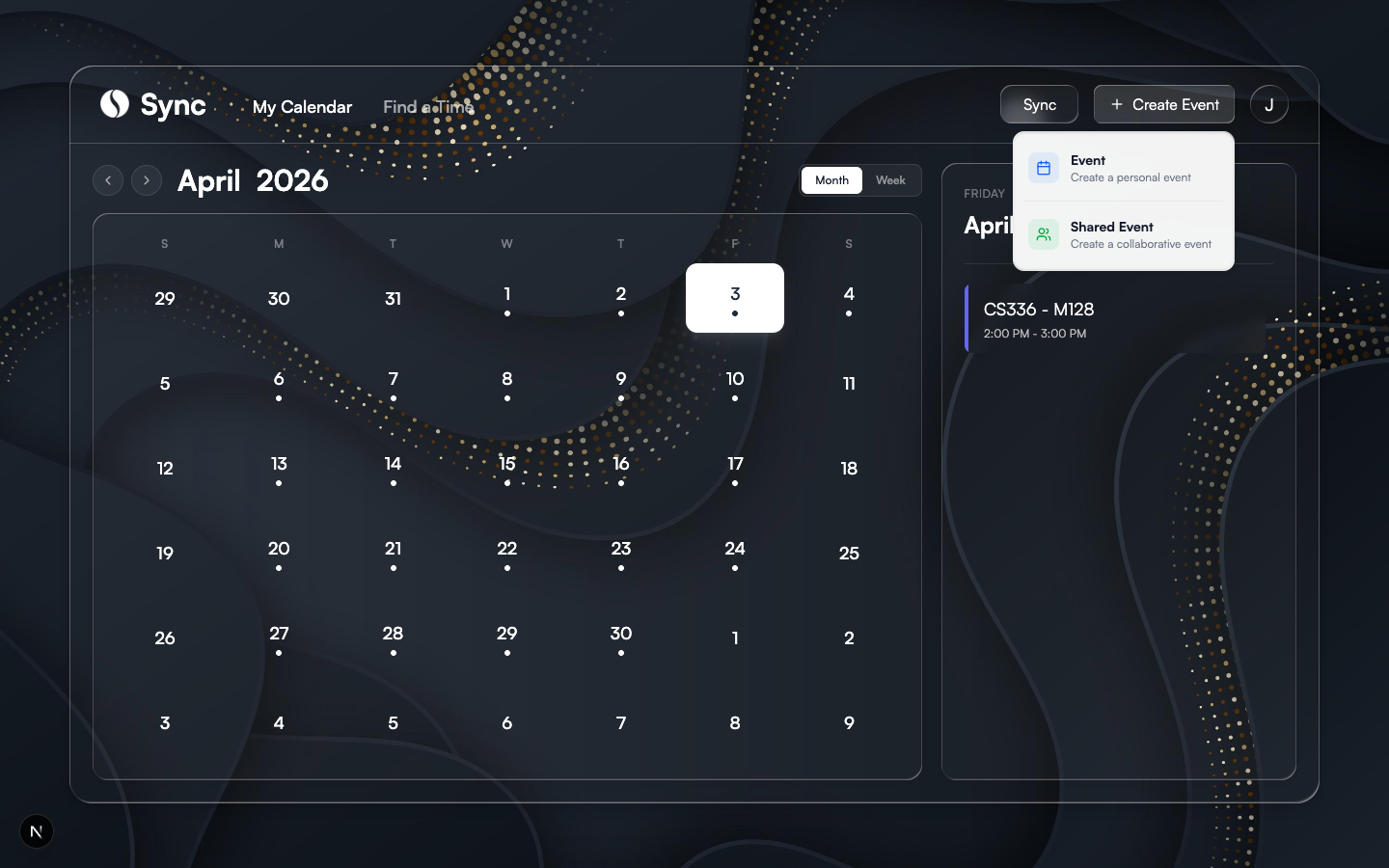
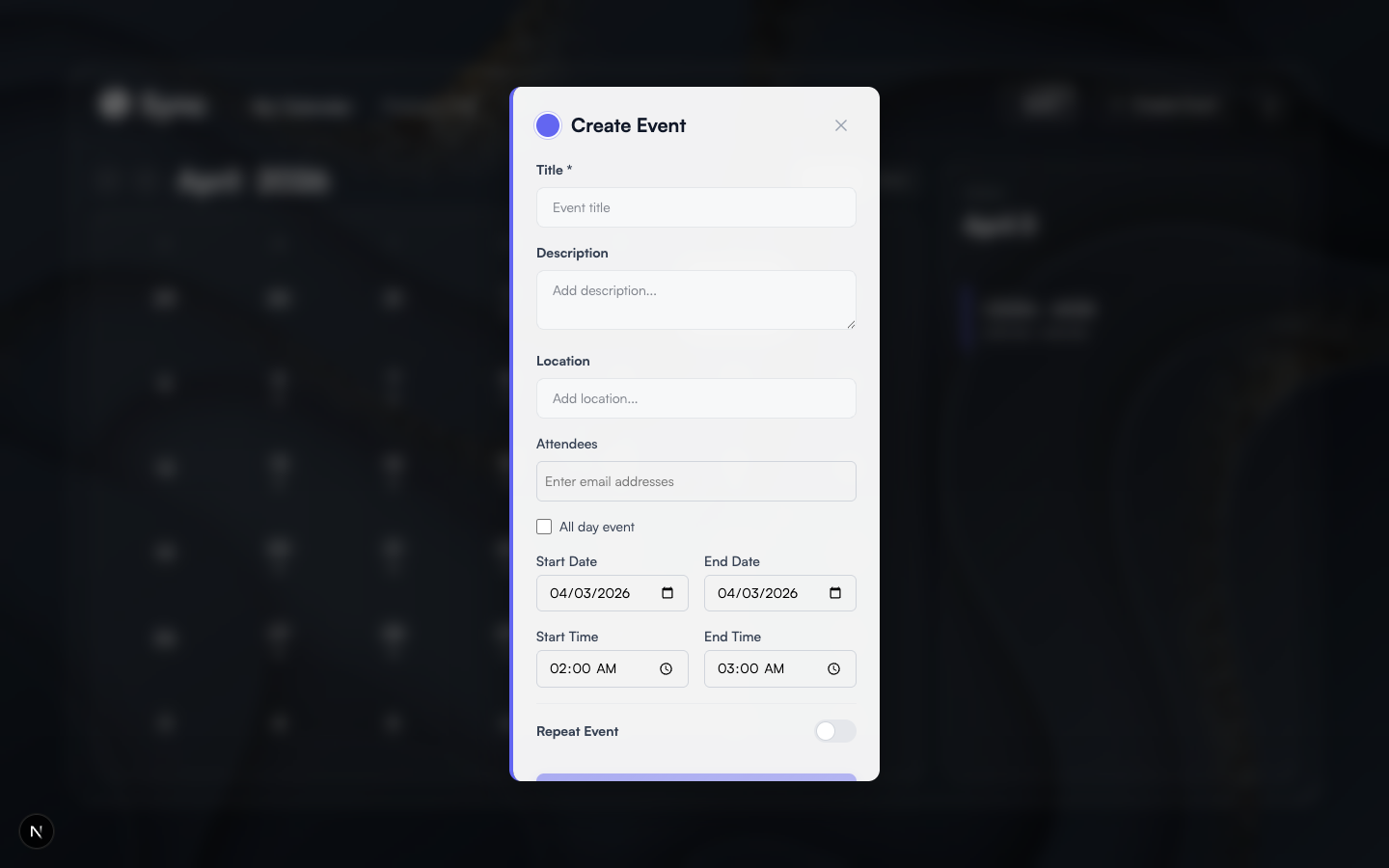
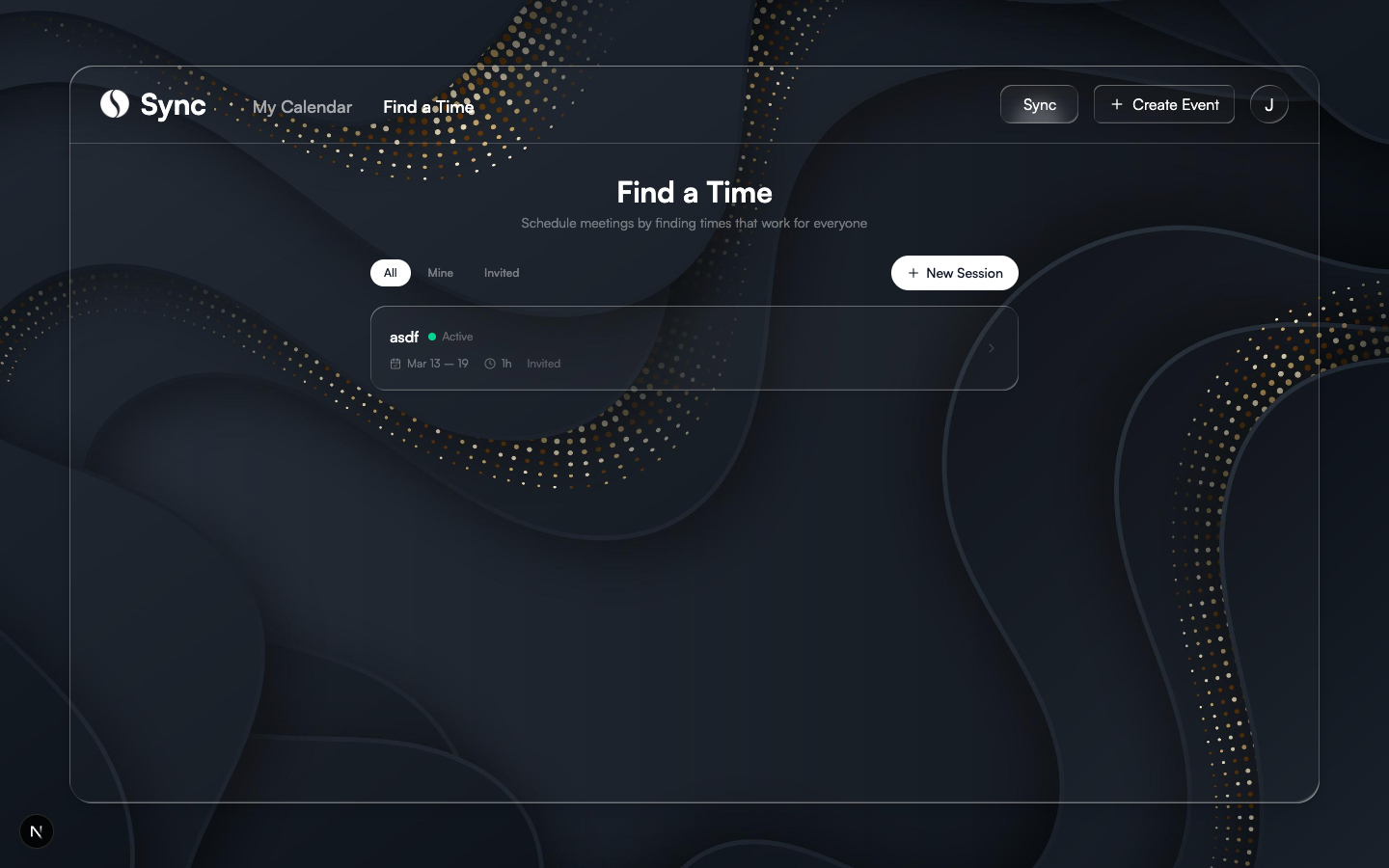
What It Does
01
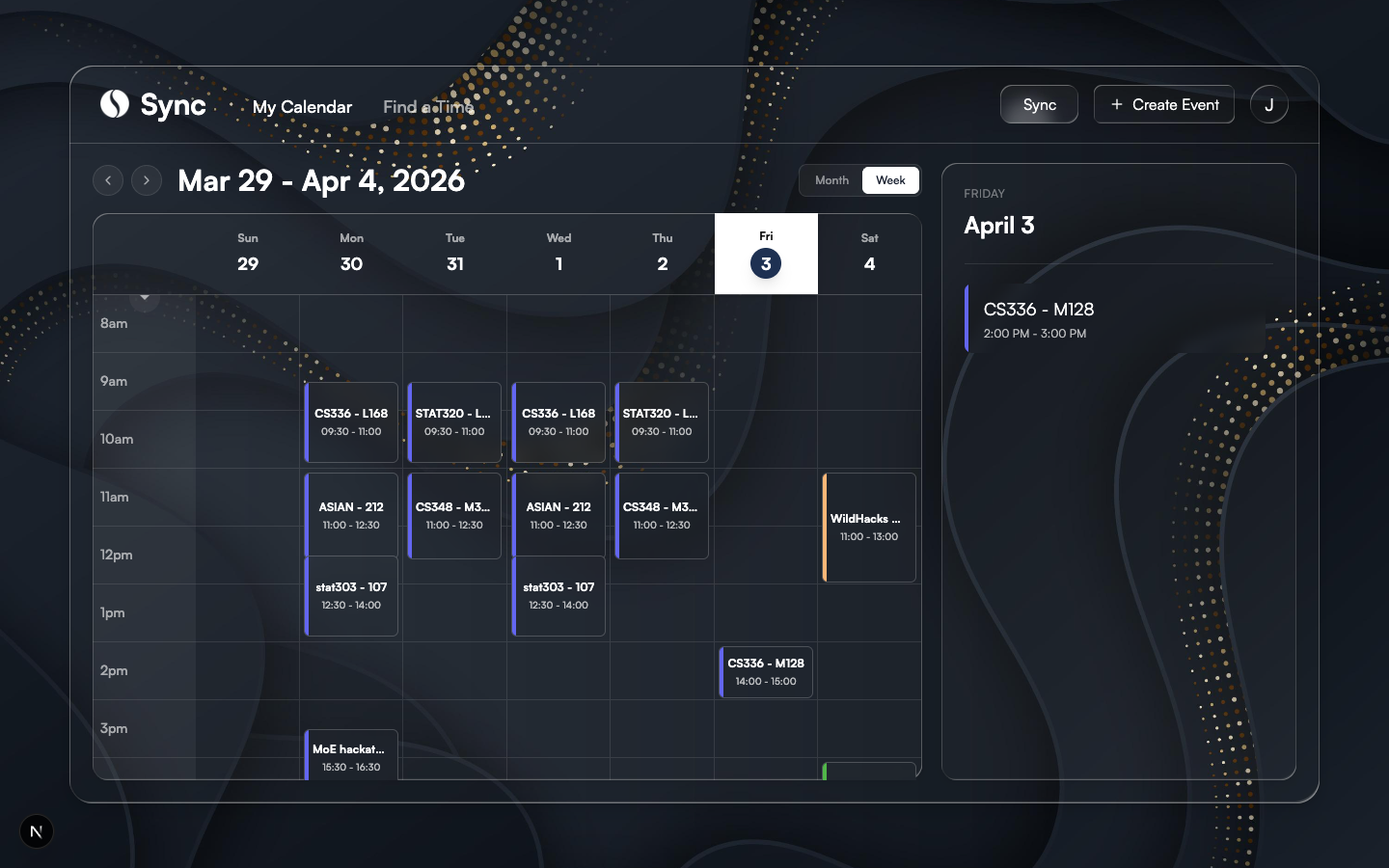
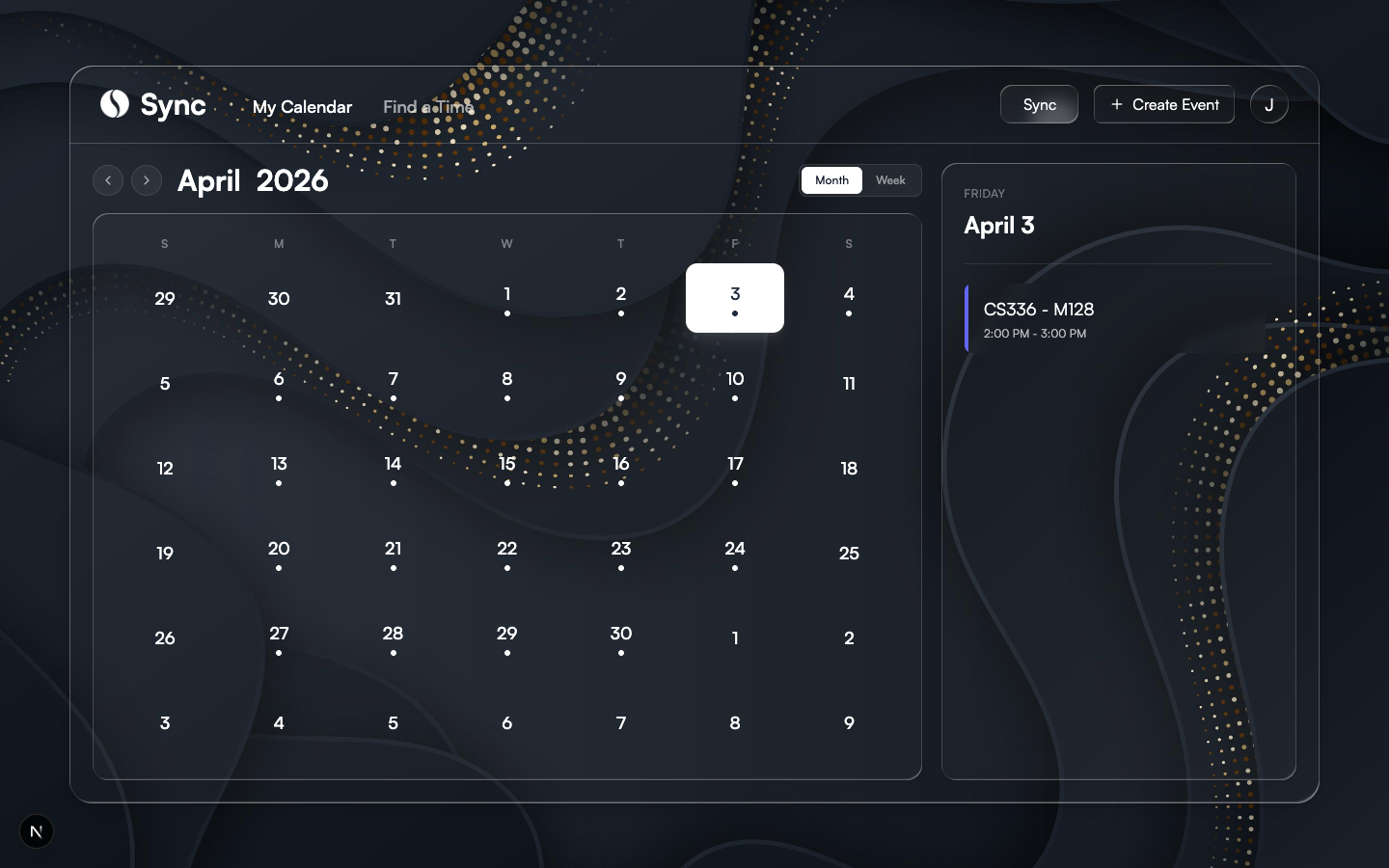
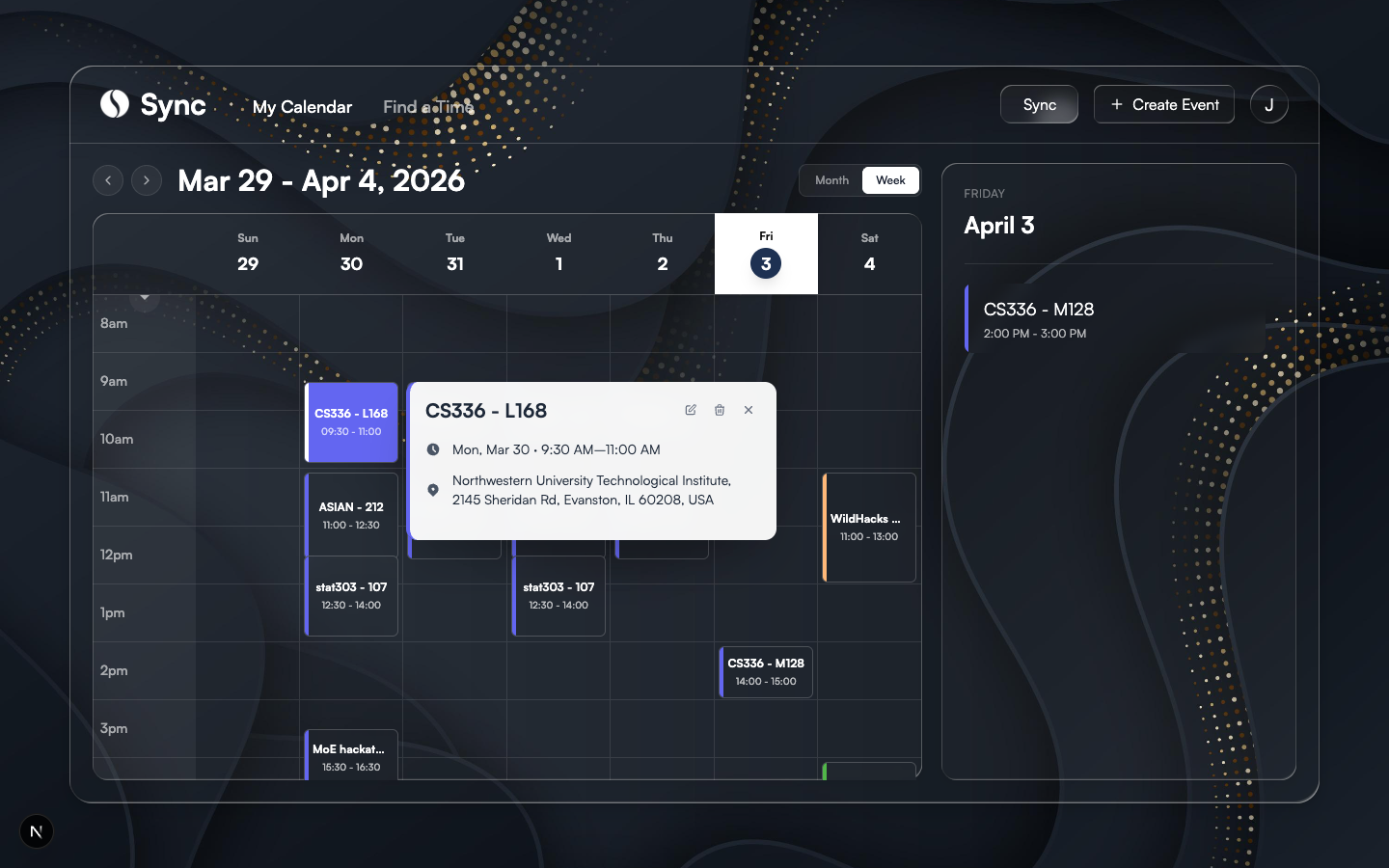
Personal calendar
Events with full support for recurrence (RRULE), all-day and timed, attendees, and timezones. When the user edits a recurring event, Sync asks for the scope of the change: only this occurrence, this and all following, or the entire series. Each scope preserves the dates of existing instances and only rewrites the fields that actually changed.
02
Two-way sync with Google Calendar
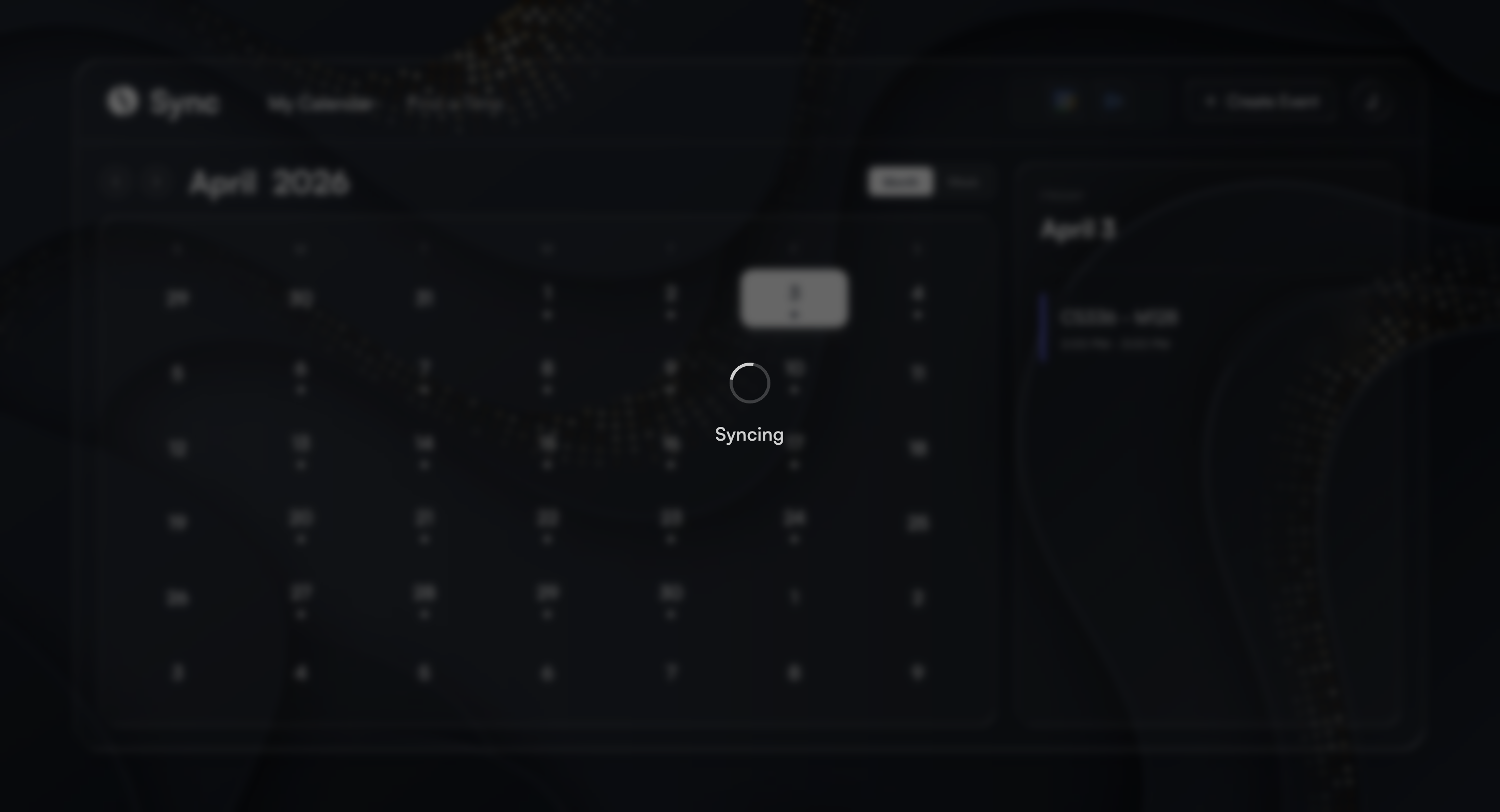
Connect a Google account and events flow in both directions. Creating or editing an event in Sync writes it to Google; editing or deleting an event in Google shows up on the next sync. Events created before a Google account was connected get pushed up automatically the first time sync runs afterward.
03
Scheduling sessions
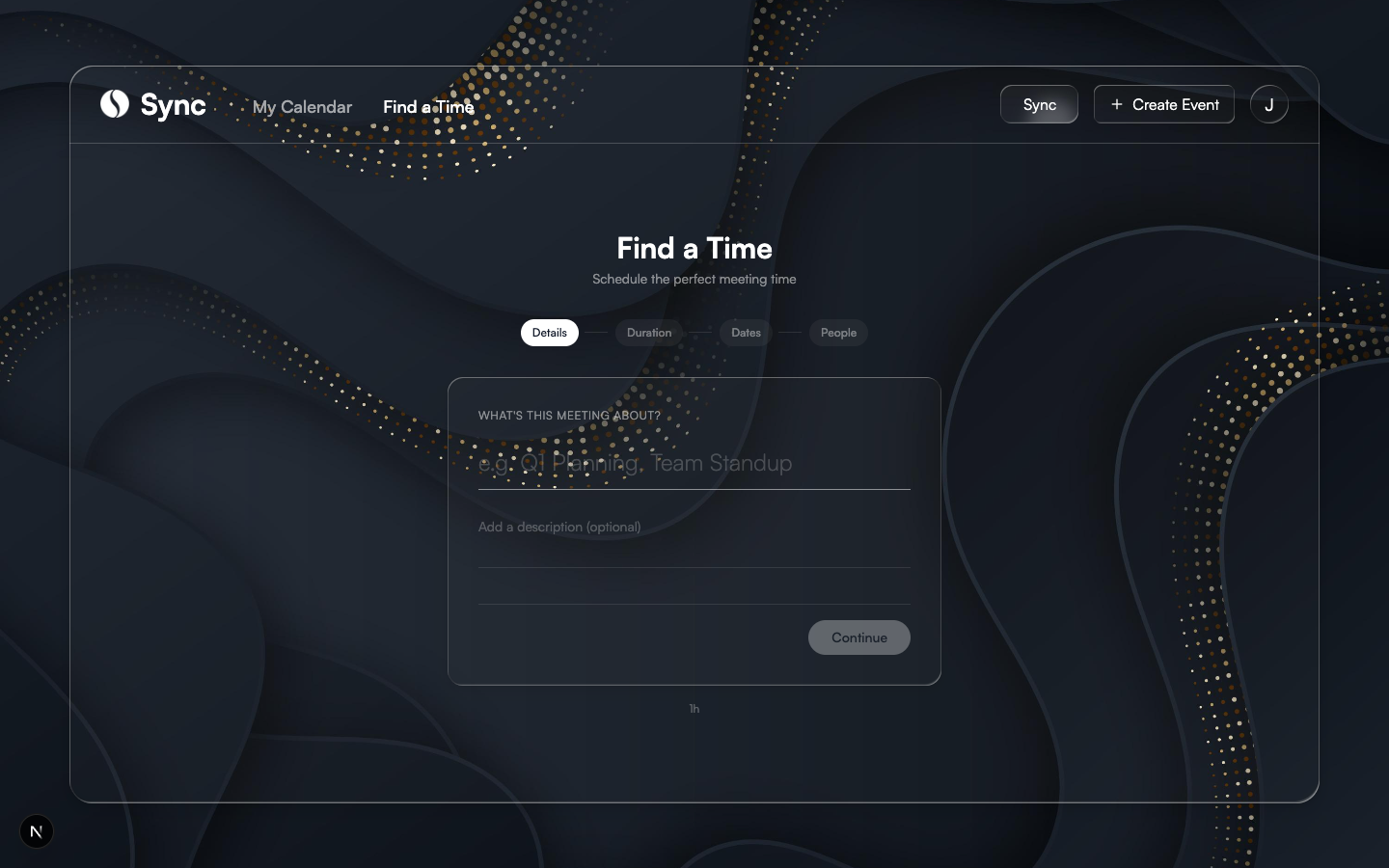
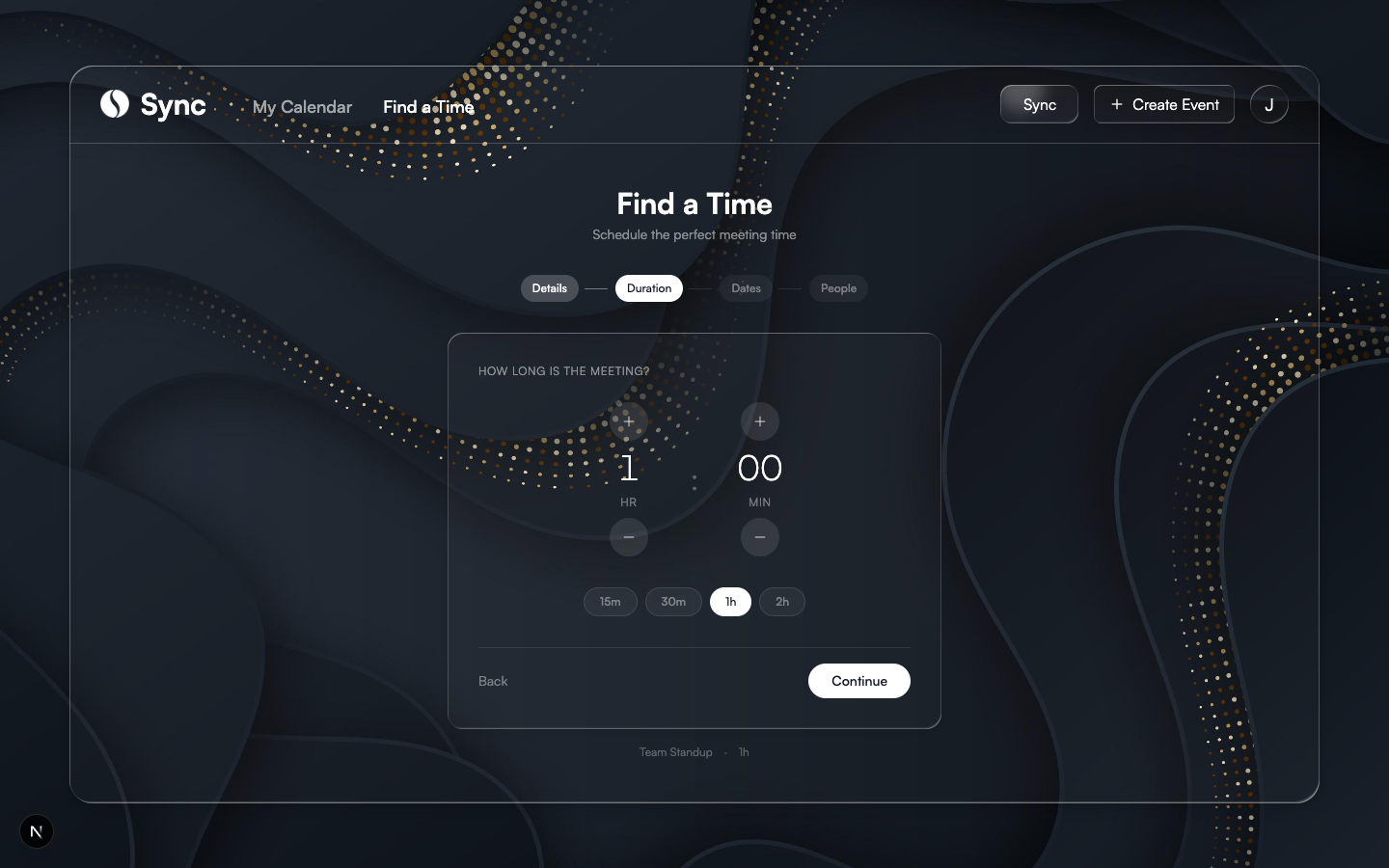
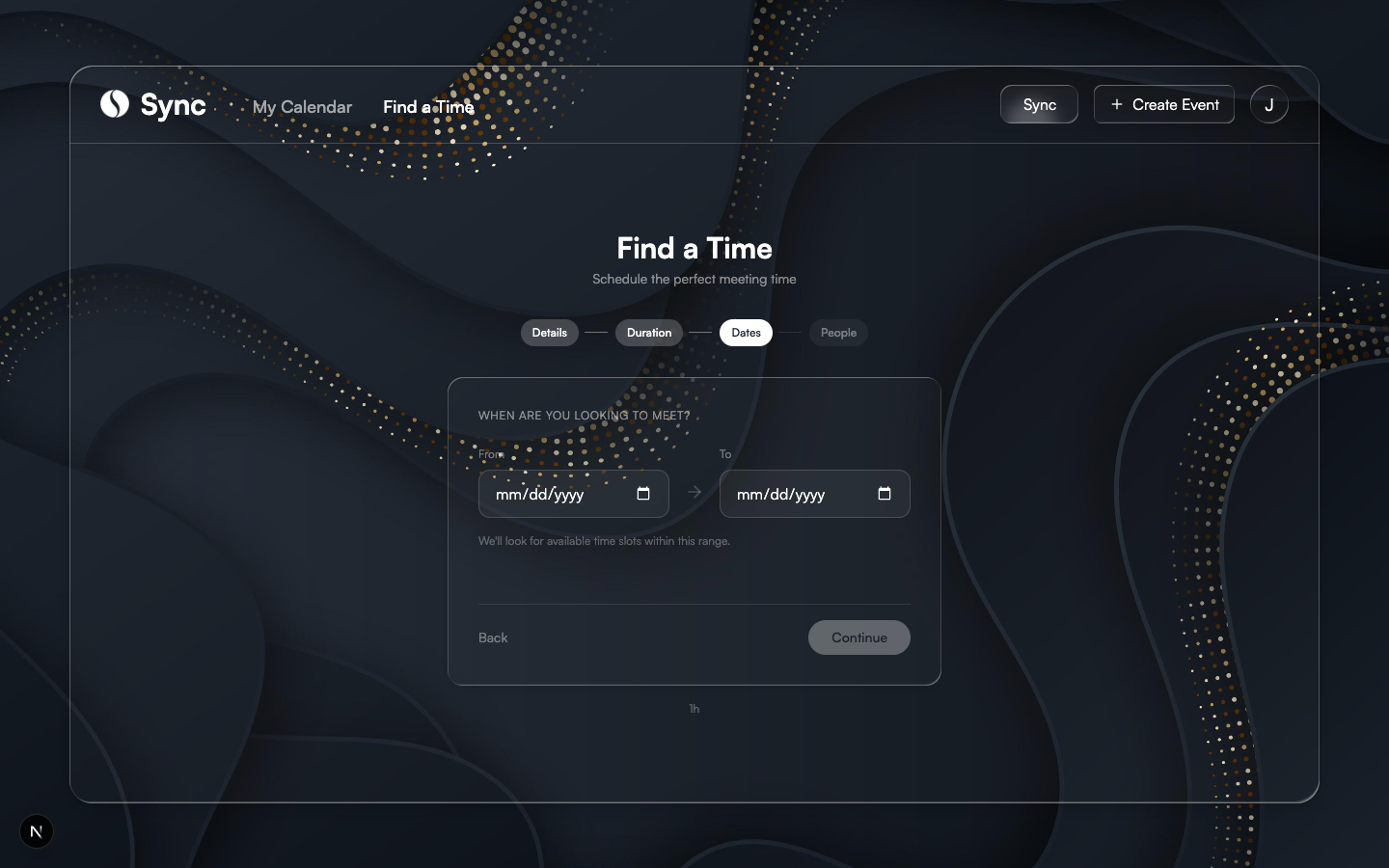
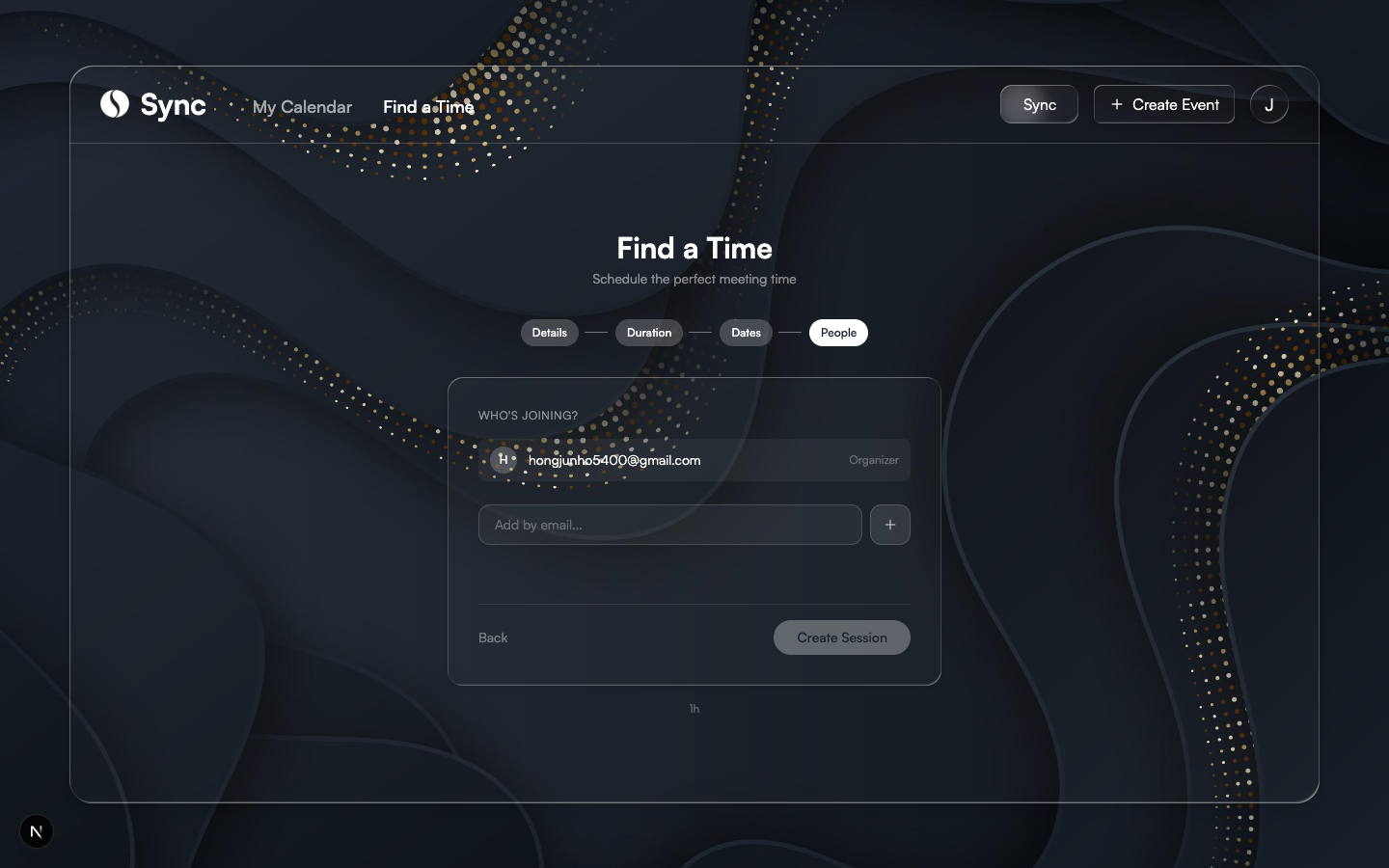
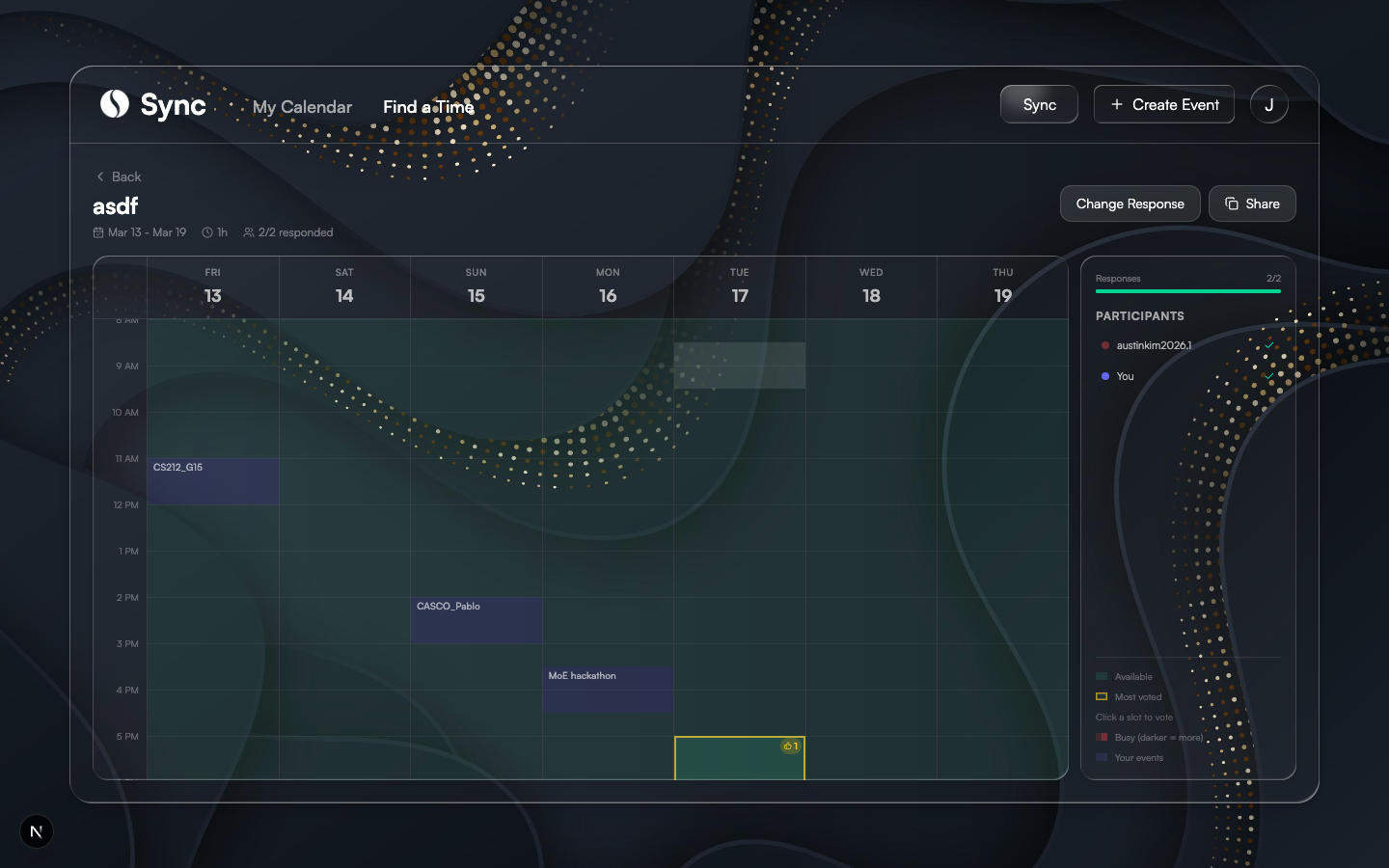
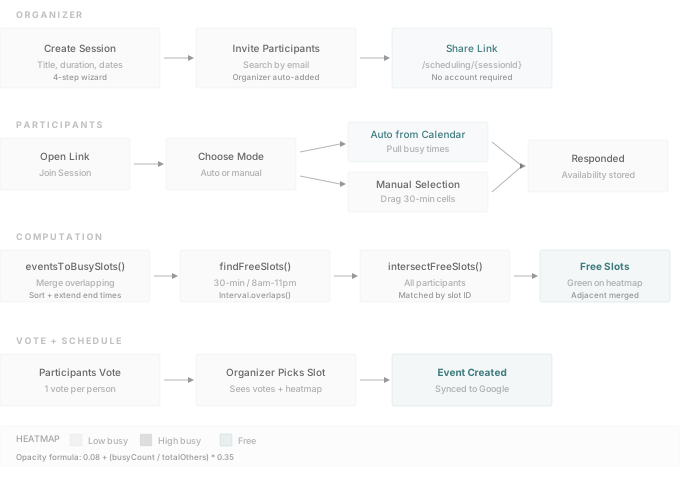
The organizer creates a session (title, duration, date range), invites participants by email, and shares a link. Each participant either lets Sync read their connected calendar or drags to select availability on a 30-minute grid. The grid is shaded by how many participants are busy at each time; free slots are highlighted, and participants can vote on preferred ones. Once the organizer picks a slot, Sync creates the meeting on everyone’s calendar.
Technical Deep Dive
Architecture
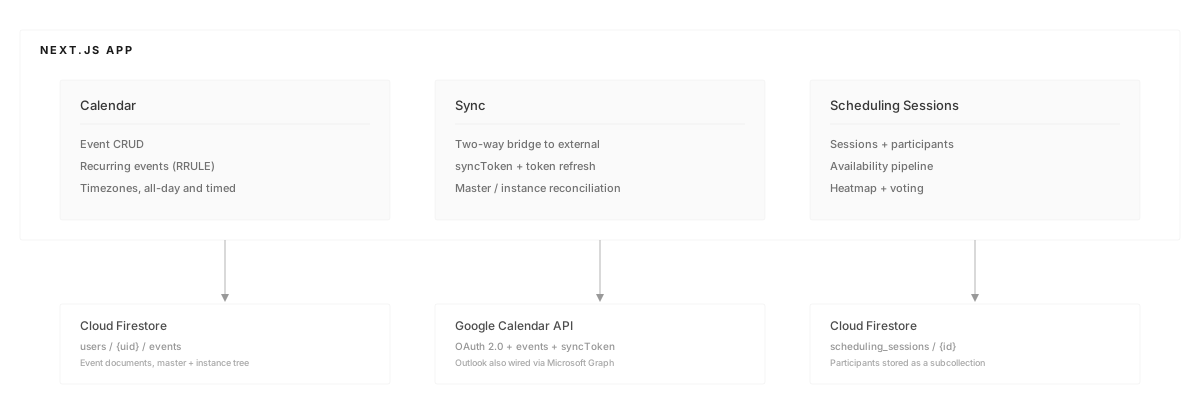
Sync is a single Next.js app with three layers. The calendar layer handles events and recurrence. The sync layer bridges those events to external providers. The scheduling-session layer builds on both to plan meetings with a group. Calendar events live under each user in Cloud Firestore; scheduling sessions live in a top-level collection with participants stored as a subcollection. Google Calendar is the primary integration; Outlook is also wired in through Microsoft Graph.
Calendar sync
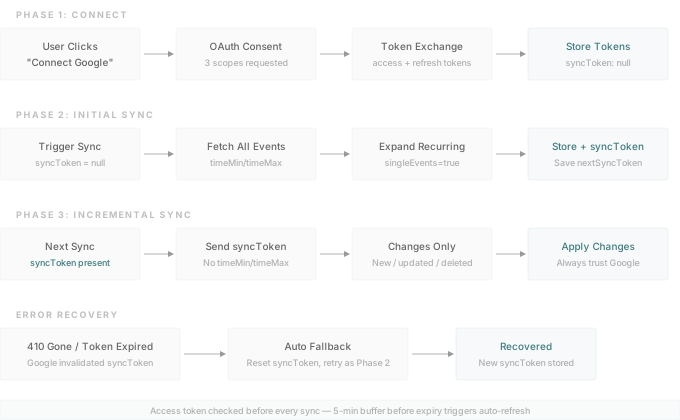
The initial sync pulls events from the current week through one year out and stores the nextSyncToken returned by Google. Every sync after that sends the token back; Google responds with only the events that have changed since. The common case is zero events.
The sync token cannot be combined with timeMin, timeMax, orderBy, or singleEvents. If Google invalidates the token (HTTP 410), the sync falls back to a full resync and stores a new token. Access tokens are checked against a 5-minute buffer before every sync and refreshed if close to expiry.
Recurring events: master and instances
Google stores a recurring event as one master plus an RRULE. Sync stores every occurrence as its own document, so editing or deleting a single instance does not touch the rest. Instances carry a recurringEventId back to the master and an originalStartTime that identifies them across platforms.
The three edit scopes map onto this shape. “Only this event” marks the instance isModified: true. “This and following” rewrites every instance from the current date forward. “All events” updates the master plus every instance. Dates of existing instances are preserved; only changed fields are overwritten.
Deleting one instance sets isDeleted: true rather than removing the document. The deletion survives until the next sync, at which point the matching Google instance (found by originalStartTime) is deleted on Google’s side too.
Finding a common free time
Four-step pipeline:
- eventsToBusySlots() — sort each participant’s events by start time and merge overlapping ones into contiguous busy intervals.
- findFreeSlots() — walk 30-minute slots from 8am to 11pm on each day, drop any that overlap a busy interval using Luxon’s
Interval.overlaps(). - intersectFreeSlots() — keep only slots that appear in every participant’s list.
- Manual participants — drag-selected “available” cells are inverted into busy intervals and fed through the same pipeline, so manual and calendar participants unify cleanly.
Slot IDs are slot_${utcMillis}. The same UTC instant yields the same ID regardless of the participant’s timezone, so intersection works across zones without any reformatting.
Heatmap opacity per cell: 0.08 + (busy / totalOthers) * 0.35. Lighter cells mean fewer people are busy at that time.
Tech Stack
| Layer | Technology | Role |
|---|---|---|
| Framework | Next.js (App Router) | Full-stack framework |
| Styling | Tailwind CSS | Utility-first CSS |
| Framer Motion | Animations & transitions | |
| Auth & DB | Firebase Auth | Authentication + Google OAuth |
| Cloud Firestore | Events and scheduling sessions | |
| Calendar | googleapis | Google Calendar API client |
| Microsoft Graph | Outlook Calendar (secondary) | |
| rrule | RRULE expansion | |
| Luxon | Date/time operations |